MythicMobs first
Inspect MythicMobs-compatible packs with model, texture, animation, and YAML context in one focused workspace.
 Kaho ViewerMinecraft plugin workspace
MythicMobs-compatible packs / Blockbench workflows
Preview Minecraft creator packs, inspect assets, and move into Studio when you need the full workflow.
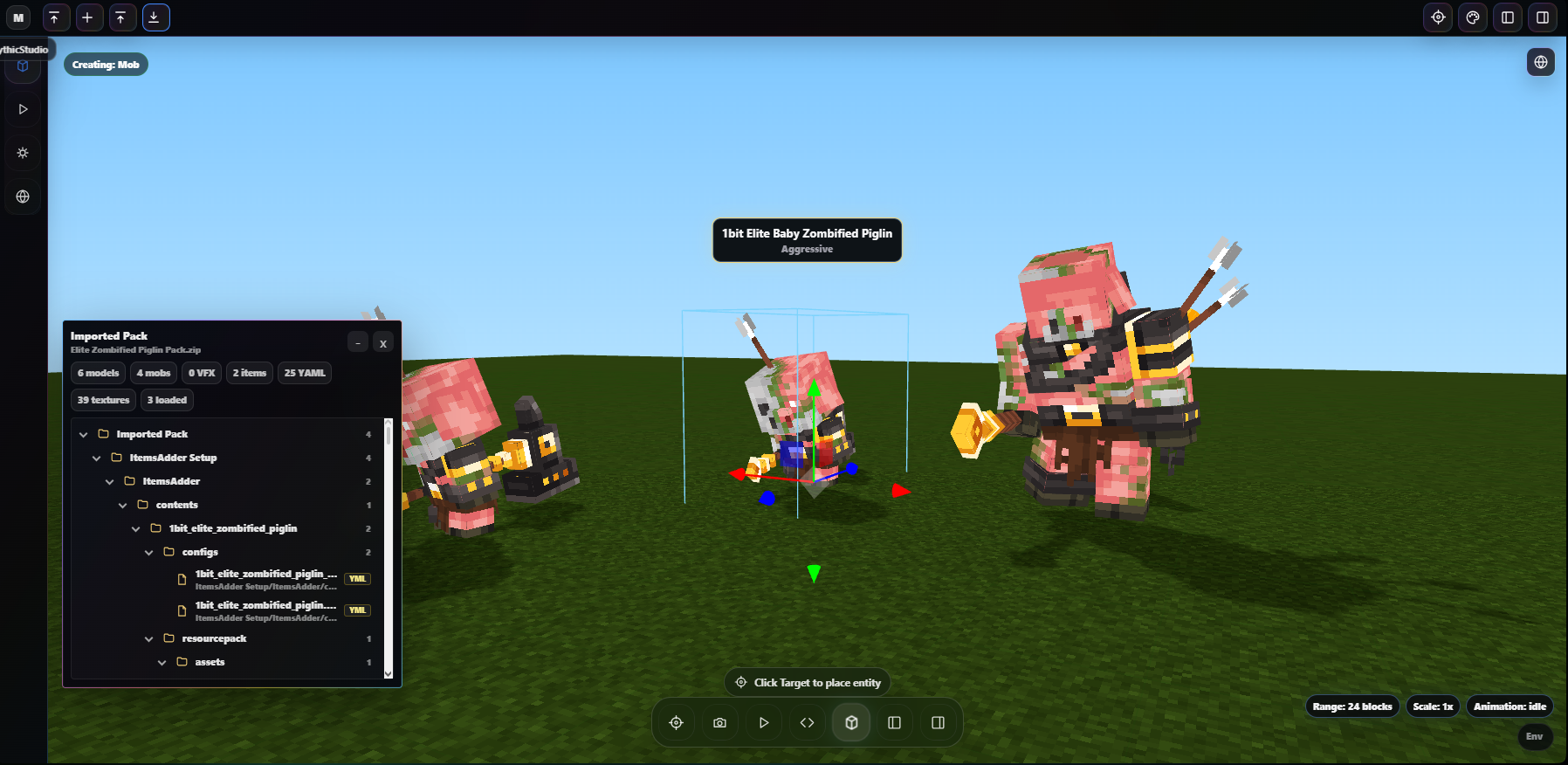
Viewer preview
Real viewer captures for importing packs, inspecting mobs, and reviewing creator assets.
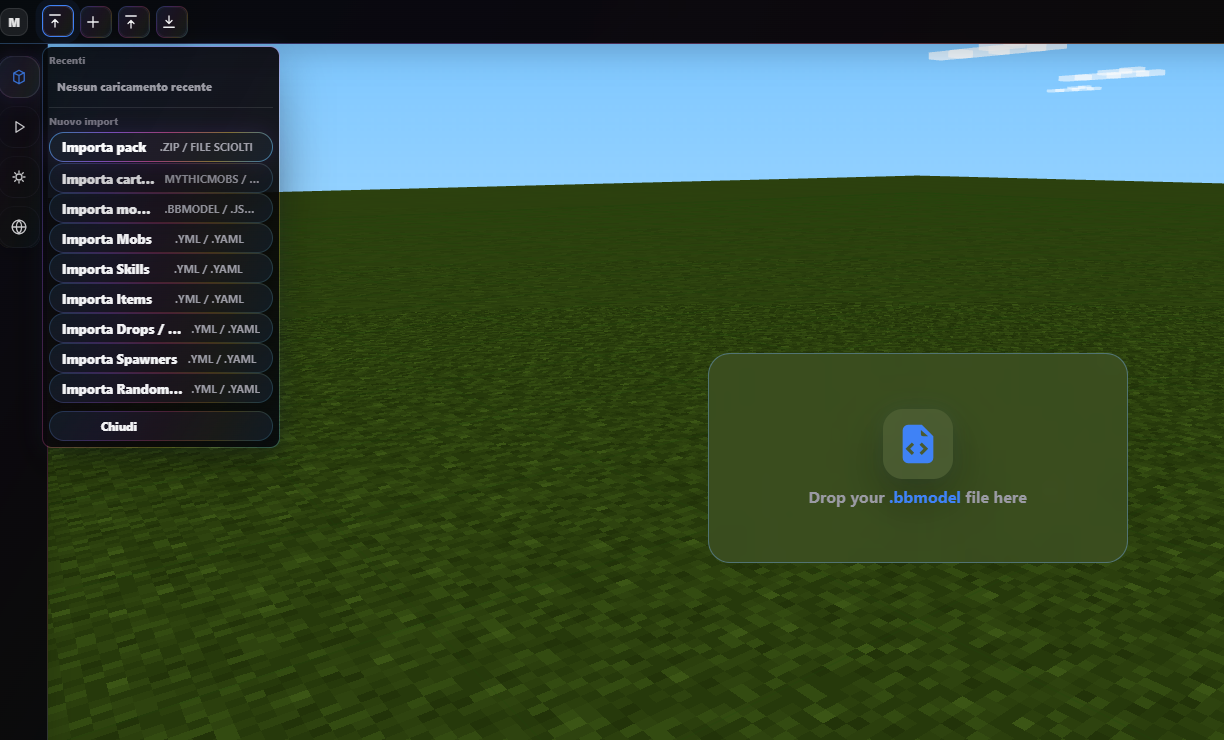
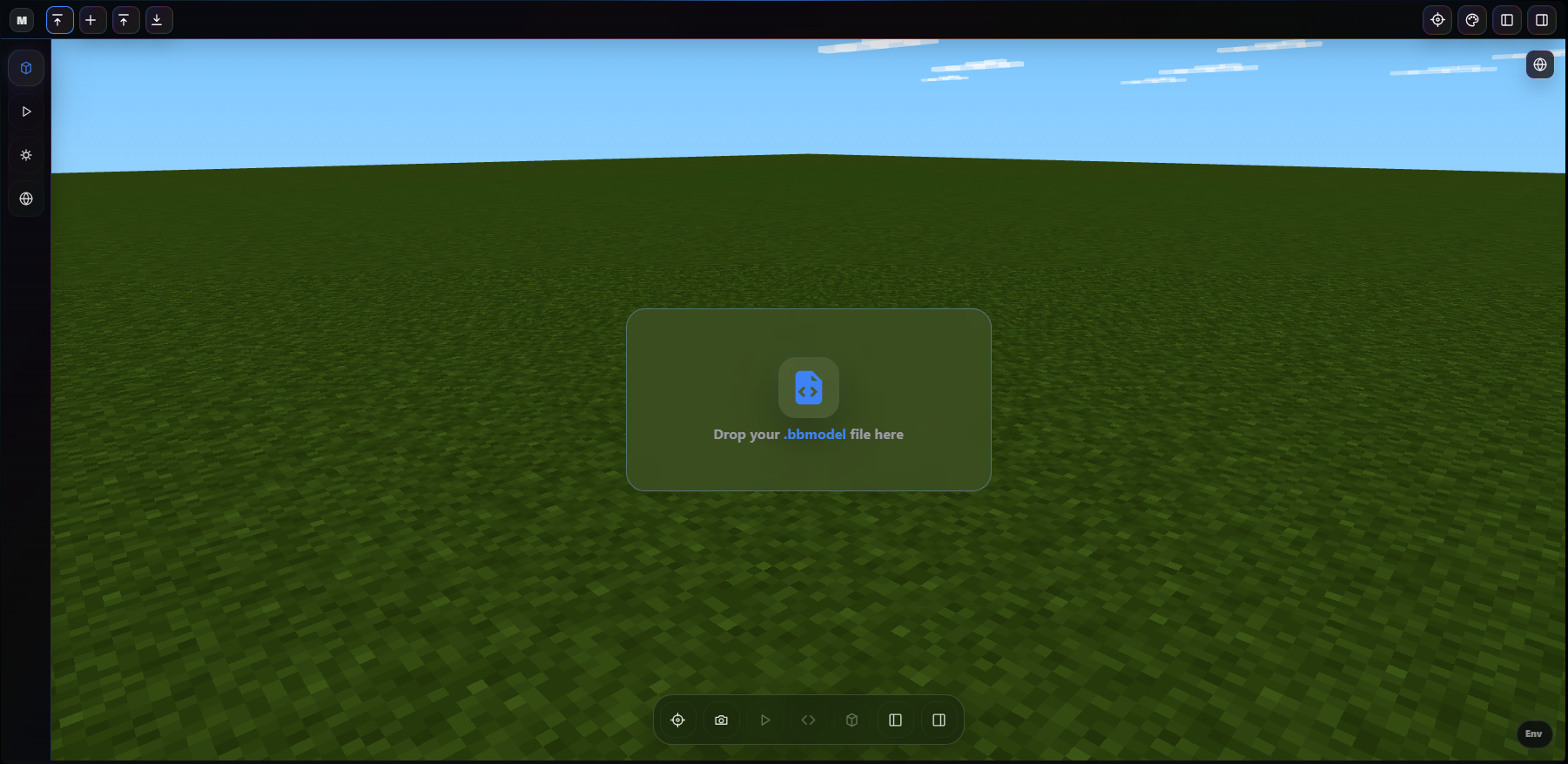
Inspect MythicMobs-compatible packs with model, texture, animation, and YAML context in one focused workspace.
Understand imported folders and asset relationships before testing the pack in-game.
Review model states and animation-ready previews while keeping creator workflow context visible.
Move into Kaho Studio when the full plugin, server, and creator workflow needs more room.
Creator workflow
Kaho Viewer is built around Minecraft plugin creators who need to inspect model-heavy packs quickly, understand asset context, and keep MythicMobs / Blockbench workflows close to the rest of Kaho Studio.
Drop .bbmodel files or creator packs into the Viewer.
Check models, textures, YAML files, and pack structure.
See mobs and assets in a Minecraft-like environment.
Open Kaho Studio for the broader creator workflow.
Start in Viewer for fast pack inspection, then continue in Kaho Studio for the complete creator flow.